

Microsoft System Builder | Wind ews 11 Home | Intended use for new systems | Install on a new PC | Branded by Microsoft (Windows 11 Home)

Quick Look: At a Glance
- Overall Rating
- 4.1 / 5 (1,700+ ratings) See Breakdown
- Edition
- Windows 11 Home
- License Type
- OEM (System Builder)
- Intended Use
- New PC Builds
- Support
- Community/Self-Support
- Transferability
- Non-Transferable
- Price (New)
- $119.99 (Subject to change)
Over 2K+ bought bought recently!
⚖️ The Recoguru Verdict
Windows 11 Home OEM is a solid choice for new PC builds, offering a modern and secure operating system at a competitive price. The streamlined interface and enhanced productivity features make it a worthwhile upgrade.
However, the lack of direct Microsoft support and the non-transferable license are significant drawbacks to consider. Users needing support or planning future upgrades should opt for the retail version.
Recommended for new PC builders comfortable with self-support and aware of the OEM license limitations. Ensure hardware compatibility before purchasing.
Pros & Cons Summary
➕Pros
- Streamlined User Interface: Modern and intuitive design.
- Enhanced Productivity: Snap layouts and virtual desktops improve workflow.
- Built-in Security: Offers robust protection against threats.
- Cost-Effective: Generally more affordable than retail versions.
- Automatic Updates: Receives regular updates and security patches.
➖Cons
- OEM License Limitations: Not transferable to another machine.
- No Direct Support: Requires self-support or community assistance.
- Potential Compatibility Issues: May not be compatible with older hardware.
- Installation Difficulties: Some users report challenges during installation.
Deep Dive: Features & Specifications
Windows 11 Home OEM is designed for new PCs, offering a streamlined and secure operating system.
- Streamlined & Intuitive UI: Offers a simplified user interface with a centered Start menu and effortless navigation, designed to reduce cognitive load.
- Intelligent Desktop: Snap layouts organize open windows, adapting to screen size. Remembers layouts for seamless transitions when docking or undocking.
- Personalized Experience: Customize your experience with voice typing, digital pen, and multi-finger touch. Customizable widgets provide live news and schedules.
- Powerful Built-in Security: Provides next-generation protection with hardware isolation, encryption, and malware protection.
- OEM License: Intended for installation on a new PC with no prior version of Windows installed. Important: OEM licenses are not transferable to another machine.
- No Direct Support: OEM versions do not include direct support from Microsoft. Users needing support should obtain the retail version.
Windows 11 Home OEM provides a modern computing experience, focusing on ease of use and security. The redesigned interface is visually appealing, and the snap layouts feature enhances productivity by organizing open windows efficiently. While the OEM version is cost-effective, it's crucial to understand its limitations: it's intended for new systems and lacks direct Microsoft support. User reviews indicate that installation can be straightforward for compatible hardware, but compatibility issues may arise with older systems. The built-in security features offer peace of mind, protecting against modern threats. Overall, Windows 11 Home OEM is a solid choice for new PC builds, provided you're comfortable with self-support and system requirements.
User Review Analysis (Based on 1,700+ Reviews)
Based on over 1,700 customer reviews, here's a breakdown of common themes:
👍The Positive Reviews (70% 5-Star)
- Easy Installation: Many users found the installation process seamless and straightforward.
- Improved Interface: Reviewers appreciate the streamlined and intuitive user interface.
- Enhanced Performance: The system feels fast and responsive on compatible hardware.
- Genuine Software: Some users confirmed the legitimacy of the OEM license and key.
- Repair Functionality: One reviewer noted its usefulness as a repair tool for existing Windows 11 installations.
👎Common Criticisms
- Installation Issues: Some users report difficulties installing the software, citing compatibility problems.
- Activation Problems: A few reviewers encountered issues with product key activation.
- Update Bugs: One user experienced a bug after an update, requiring tech support to resolve.
- Hardware Compatibility: Older computers may not be compatible with Windows 11.
Available Options & Pricing
This review focuses on the Windows 11 Home OEM (ASIN: B09MYJ1R6L). Key differences exist between the Home and Pro versions.
- Style: Windows 11 Home, Windows 11 Pro
Buying Options: Available new for around $119.99. OEM software intended for new PC builds.
Current Availability: In Stock. View New (6) from $119.99 & FREE Shipping. on Amazon.
Check Price on AmazonSee All Buying OptionsAs an Amazon Associate, Recoguru earns from qualifying purchases.
Who Should Buy the Microsoft System Builder | Wind ews 11 Home | Intended use for new systems | Install on a new PC | Branded by Microsoft?
This product is a great fit for:
- New PC Builders: Ideal for those assembling a new computer from scratch.
- Budget-Conscious Users: Offers a more affordable option compared to retail versions.
- Tech-Savvy Individuals: Suitable for users comfortable with self-support and troubleshooting.
- Users Prioritizing Security: Benefits from built-in security features and regular updates.
Not recommended for users needing direct Microsoft support or those planning to transfer the license to another machine in the future.
Ready to Make Your Decision?
Find the best price for the Microsoft System Builder | Wind ews 11 Home | Intended use for new systems | Install on a new PC | Branded by Microsoft (Windows 11 Home).
🛒 Buy on Amazon NowMore in Operating Systems

Win Vista AIO 32/64bit Compatible Install & Repair DVD Starter, Basic, Premium, Business, Enterprise, and Ultimate
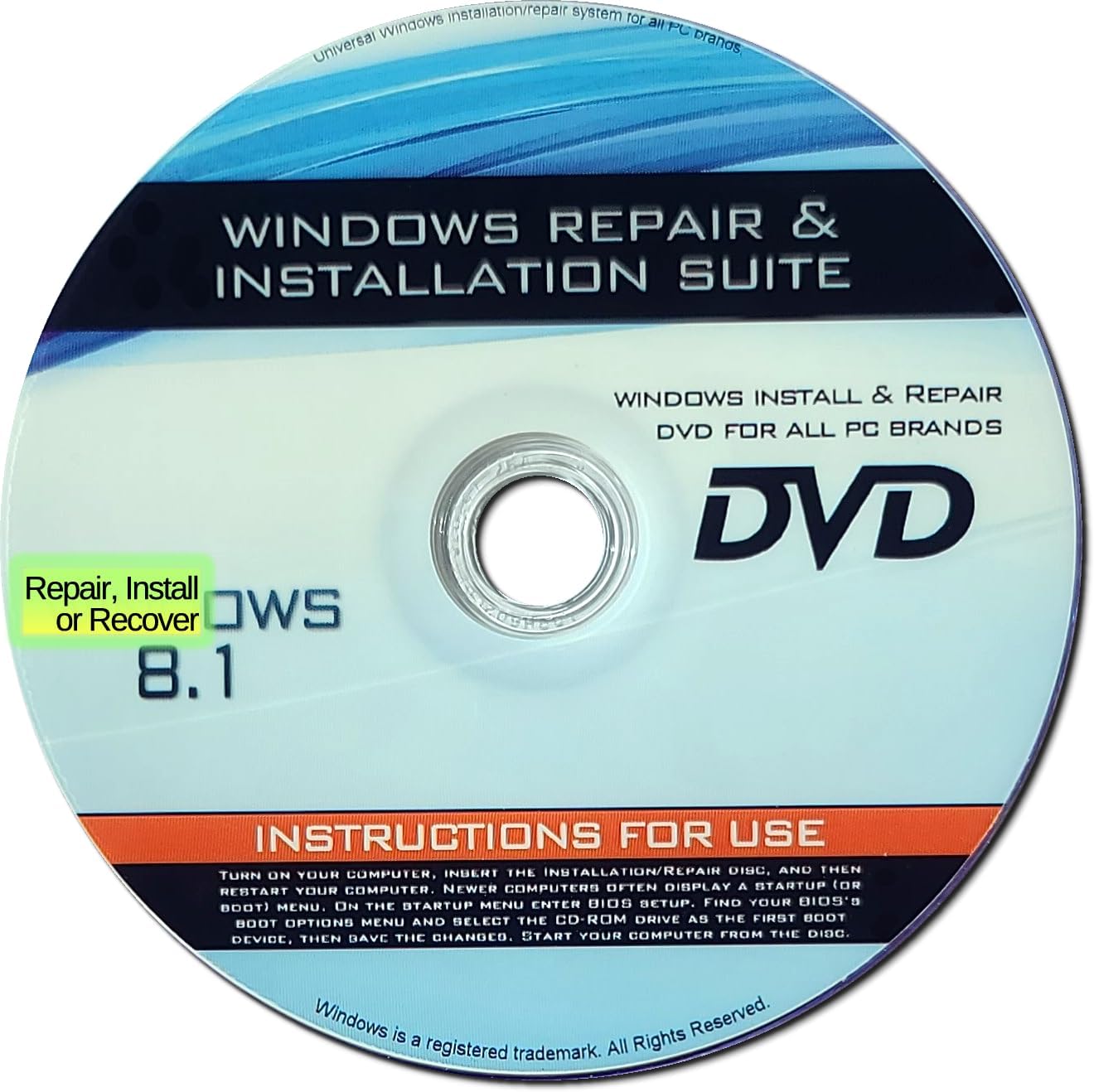
Recovery, Repair & Re-install disc compatible with Win 8.1 32/64 bit

Red Hat Linux 9.0 Personal
![Microsoft Windows 7 Professional SP1 64bit (OEM) System Builder DVD 1 Pack [Old Version] Thumbnail](https://m.media-amazon.com/images/I/61sYIienQyL._AC_SL1200_.jpg)
Microsoft Windows 7 Professional SP1 64bit (OEM) System Builder DVD 1 Pack [Old Version]

Ubuntu Linux 13.04 Special Edition DVD - Includes both 32-bit and 64-bit Versions
More from Software

9th & Vine Password Recovery Reset CD Compatible With Windows Versions,11,10, 8.1, 7, XP and Vista in 32/64 Bit. No Internet Connection Required. Reset Lost Password

Scan-ID v1.4 CD (SIDV1)
![CorelDRAW Graphics Suite Education Edition | 1 Year Subscription | Graphic Design Software for Education | Vector Illustration, Layout, and Image Editing [PC/Mac Download] Thumbnail](https://m.media-amazon.com/images/I/718GyEUbpDL._AC_SL1500_.jpg)
CorelDRAW Graphics Suite Education Edition | 1 Year Subscription | Graphic Design Software for Education | Vector Illustration, Layout, and Image Editing [PC/Mac Download]

CLIP STUDIO TABMATE

My Labels
![CyberLink PhotoDirector 365 - 1 year subscription [PC Download] Thumbnail](https://m.media-amazon.com/images/I/617hQNGo6NL._AC_SL1042_.jpg)